How to Calculate Hours Worked for Payroll: A Step-by-Step Guide
Learn how to calculate hours worked for payroll, including regular hours, overtime, breaks, and total payable hours.
 Charles Hardy
 Updated on Sep 30, 2026
 14 min read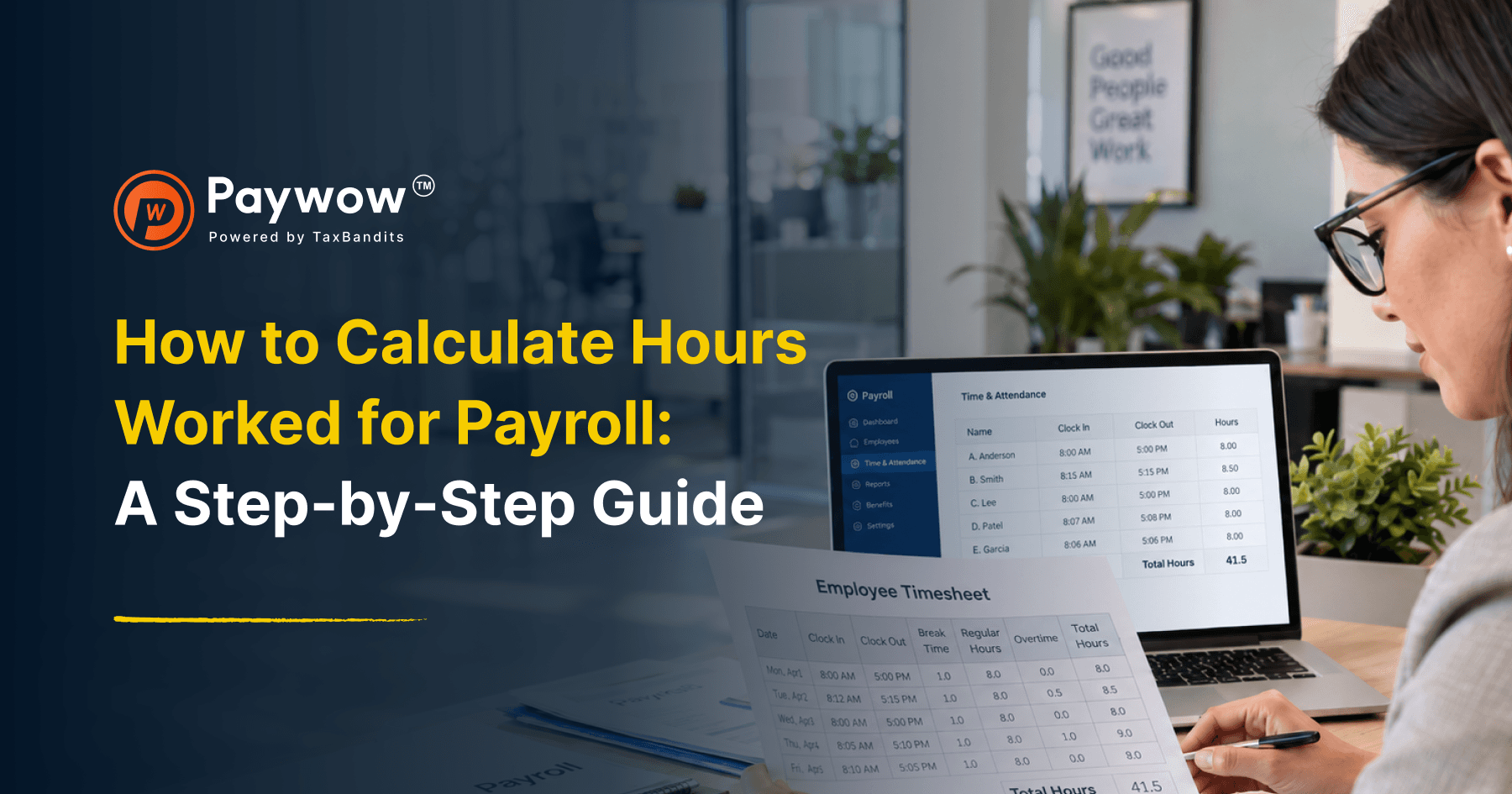
Scannable summary
Key Takeaways
- Record accurate clock-in and clock-out times for each hourly employee.
- Convert hours and minutes into decimal hours before calculating payroll.
- Subtract unpaid breaks while accounting for applicable state break requirements.
- Apply overtime rules correctly, including federal and applicable state requirements for hours worked beyond regular limits.
To calculate hours worked for payroll, convert clock-in and clock-out times into decimal hours, subtract unpaid breaks, and total the result for the pay period, applying overtime rules for anything over 40 hours in a workweek. Here’s exactly how that works.
Step 1: Record clock-in and clock-out times
Every hourly employee’s time should be tracked with an actual time in and time out for each shift, whether through a time clock, an app, or a manual timesheet. Accuracy here matters more than almost any other step, since every downstream calculation depends on it.
Step 2: Convert time into decimal format
Clock times are recorded in hours and minutes, but payroll calculations need decimal hours. This is the step that trips people up most often.
To convert minutes to decimal hours, divide the minutes by 60:
|
Minutes |
Decimal equivalent |
|---|---|
|
15 |
0.25 |
|
30 |
0.50 |
|
45 |
0.75 |
|
10 |
0.17 |
Example: An employee who worked from 9:00 a.m. to 5:30 p.m. worked 8 hours and 30 minutes, which converts to 8.5 hours, not “8:30.”
Step 3: Subtract unpaid breaks
If an employee takes an unpaid lunch break, that time needs to be subtracted from total hours worked. Paid breaks, by contrast, are typically still counted as hours worked. State law determines which breaks must be paid or unpaid, so this varies depending on where your employees work.
Example: An employee clocked in at 9:00 a.m. and out at 5:30 p.m., with a 30-minute unpaid lunch. Total hours worked = 8.5 hours − 0.5 hours = 8 hours.
Step 4: Total hours for the pay period
Add up daily totals across the full pay period, whether that’s a week, two weeks, or a month, depending on your pay schedule.
Step 5: Identify overtime hours
Under the Fair Labor Standards Act (FLSA), non-exempt employees must be paid time and a half for any hours worked over 40 in a single workweek. Overtime is calculated on a workweek basis, not a pay period basis, which matters for biweekly or semimonthly pay schedules that span more than one workweek.
Example: An employee works 45 hours in a single workweek. The first 40 hours are paid at the regular rate, and the remaining 5 hours are paid at 1.5 times the regular rate.

A full worked example
|
Day |
Clock in |
Clock out |
Unpaid break |
Hours worked |
|---|---|---|---|---|
|
Monday |
9:00 AM |
5:30 PM |
30 min |
8.0 |
|
Tuesday |
9:00 AM |
5:30 PM |
30 min |
8.0 |
|
Wednesday |
9:00 AM |
6:00 PM |
30 min |
8.5 |
|
Thursday |
9:00 AM |
5:30 PM |
30 min |
8.0 |
|
Friday |
9:00 AM |
7:30 PM |
30 min |
10.0 |
|
Total |
42.5 hours |
In this example, 40 hours are paid at the regular rate, and 2.5 hours are paid at the overtime rate.
Manual timesheets vs. automated tracking
Manually calculating hours works fine for a small team with predictable schedules. It gets error-prone fast once you’re managing multiple employees, variable schedules, or overtime that spans an irregular workweek. A single rounding error on a timesheet, repeated across every pay period, adds up to a real discrepancy by year-end, and it’s the kind of error that’s hard to catch after the fact without a clear paper trail.
Time tracking software that converts clock times automatically and flags overtime thresholds removes most of this risk, particularly the decimal conversion step, which is where manual calculations go wrong most often.
The bottom line
Calculating hours worked isn’t just data entry, it’s the first input into every payroll calculation that follows. Get the conversion to decimal hours right, subtract unpaid breaks correctly, and apply overtime rules based on the actual workweek, and the rest of payroll follows from accurate numbers instead of compounding an early mistake.
Manual time conversion is exactly where small payroll errors start. PayWow converts hours automatically and flags overtime the moment it applies, so your payroll numbers start accurate instead of getting corrected later.
Related Blogs